
A few weeks ago I was fortunate to be at JavaZone for the fourth year in a row. JavaZone is one of my favorite conferences; a large crowd, excellent speakers and very well organised. It is a great kick-off to the Fall/Autumn conference season!
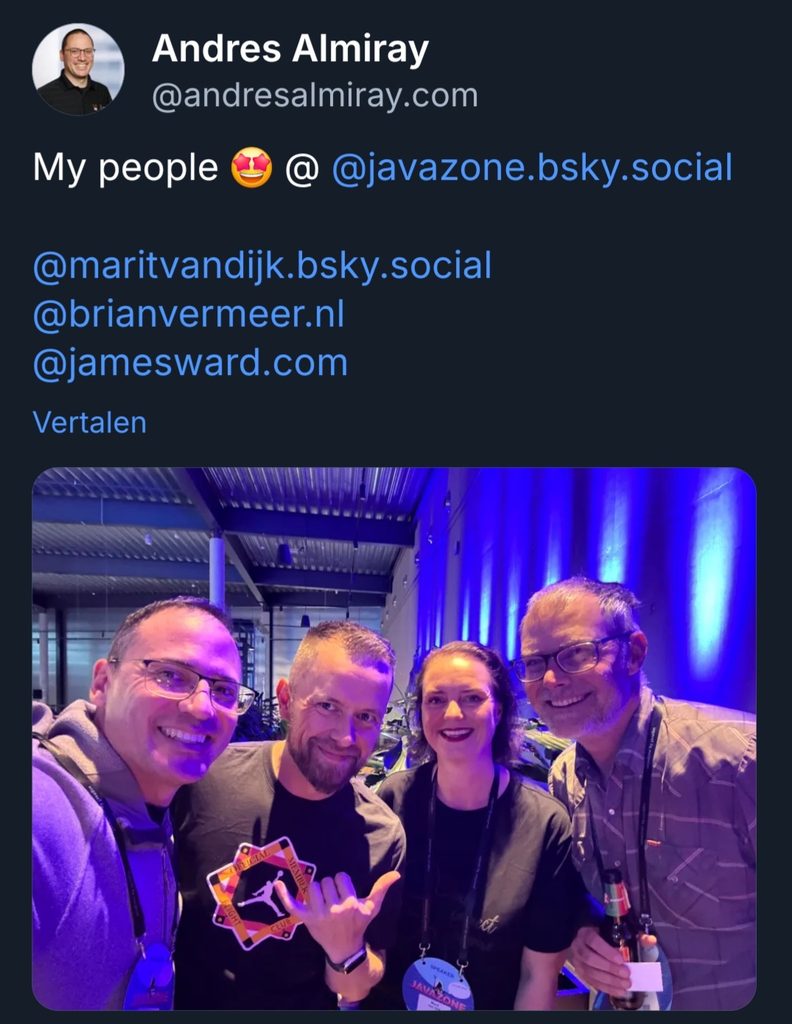
On Tuesday, I travelled to Oslo. In the evening it was time for the speaker tour, where the JavaZone crew showed us around the venue, and answered any questions speakers might have. Next it was time for the speaker dinner, a great opportunity to meet fellow speakers. I had dinner with Adele Carpenter, Piotr Przybył, Iulia Feroli, met up with James Ward, Brian Vermeer, Andres Almiray and others.
Day 1
On wednesday I got up early to make it on time to see my colleague Wout Werkman speak:
Wout talked to us about Structured Concurrency, using a custom plugin he created to visualise the call tree in IntelliJ IDEA. He also did a shoutout to the talk “Learning modern Java the playful way” by Piotr and myself, which was very nice.
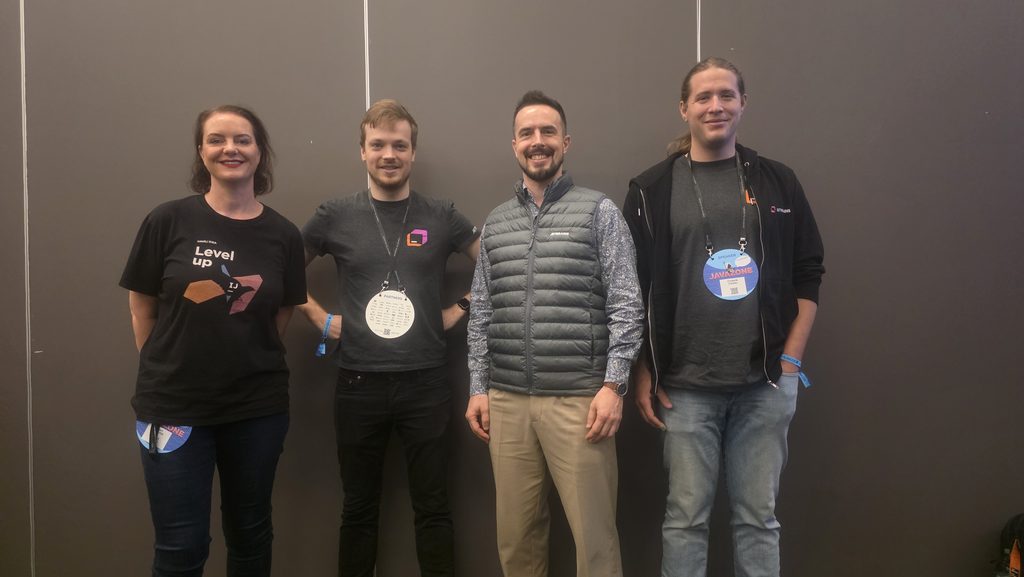
We also managed to get a picture of all JetBrains colleagues present at JavaZone.
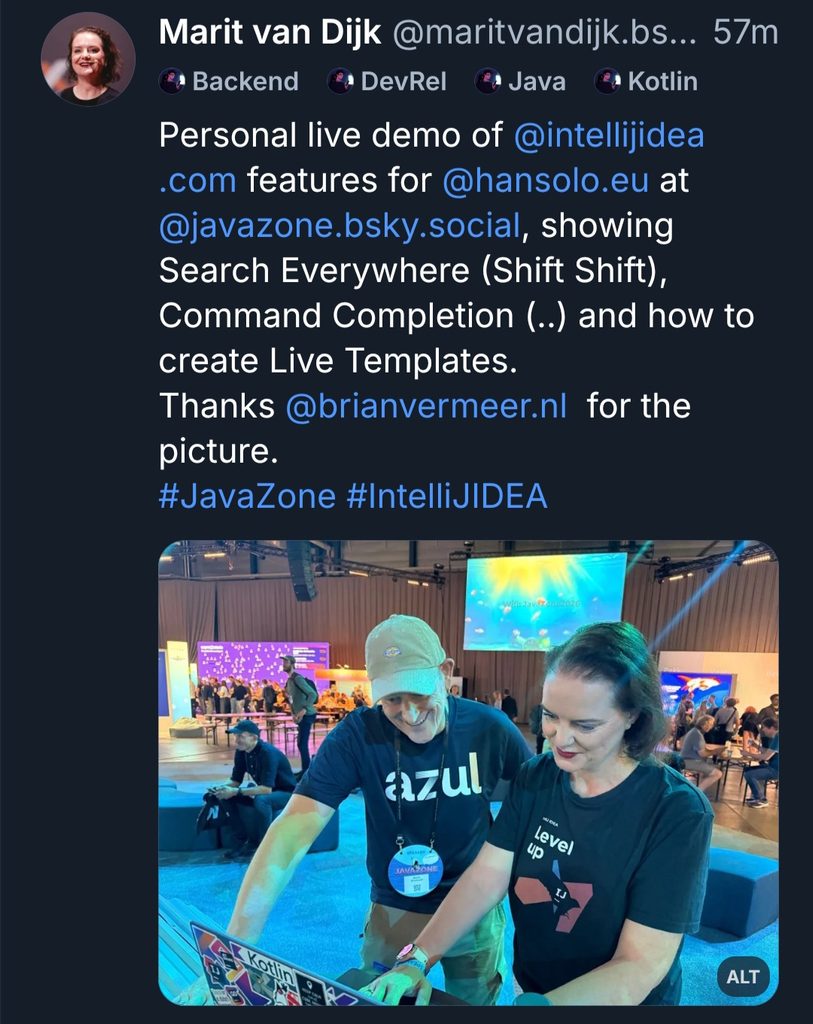
Later in the day I ran into Gerrit Grunwald, and gave him a private demo of some IntelliJ IDEA features: the relatively new Command Completion, but also classic features like Search Everywhere and how to create your own Live Templates.
At the end of the day, I went to see Piotr speak about how Elasticsearch is already using Vector API; an interesting explanation of this JEP and a concrete example of what it offers. He also made a reference to us speaking together, so it was nice to start and end the day being called out from the stage in the same room.
Day 2
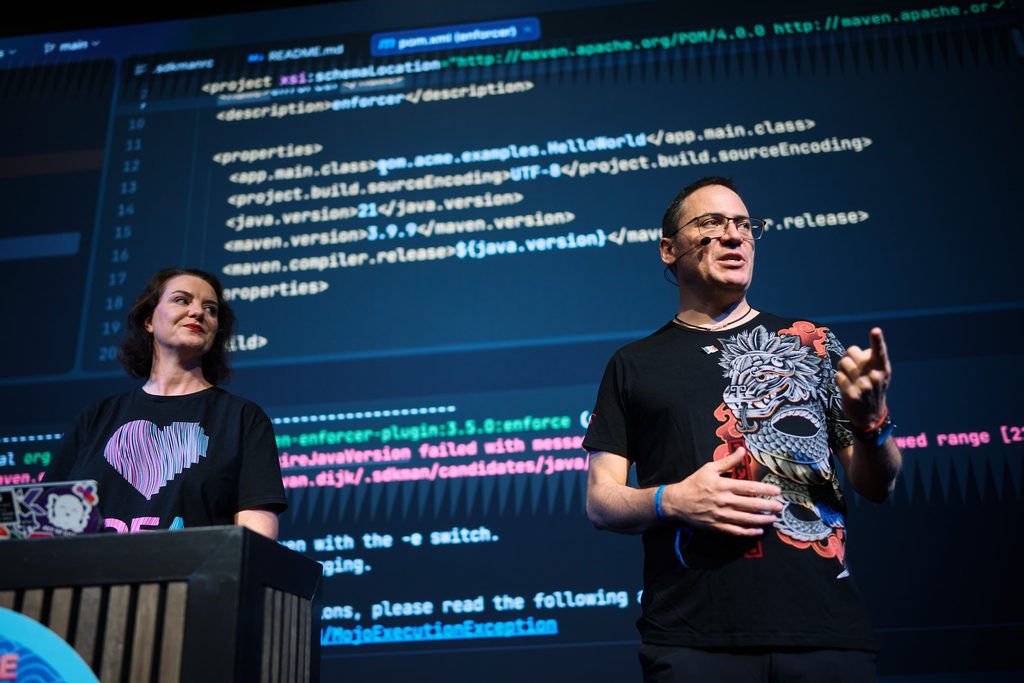
On Thursday morning, it was time for Andres Almiray and myself to speak. When the front row has people like Gunnar Morling and Rafael Winterhalter, that is slightly intimidating… Gunnar was kind enough to tell us he actually learned something new from our talk. (Thank you!)
Also present were my colleagues Nikita Skvortsov & Wout Werkman. Nikita is the team lead for build tools support in IntelliJ IDEA, who build some of the nice things I get to talk about. Our talk gave him some ideas for things that could be improved even further (stay tuned!).
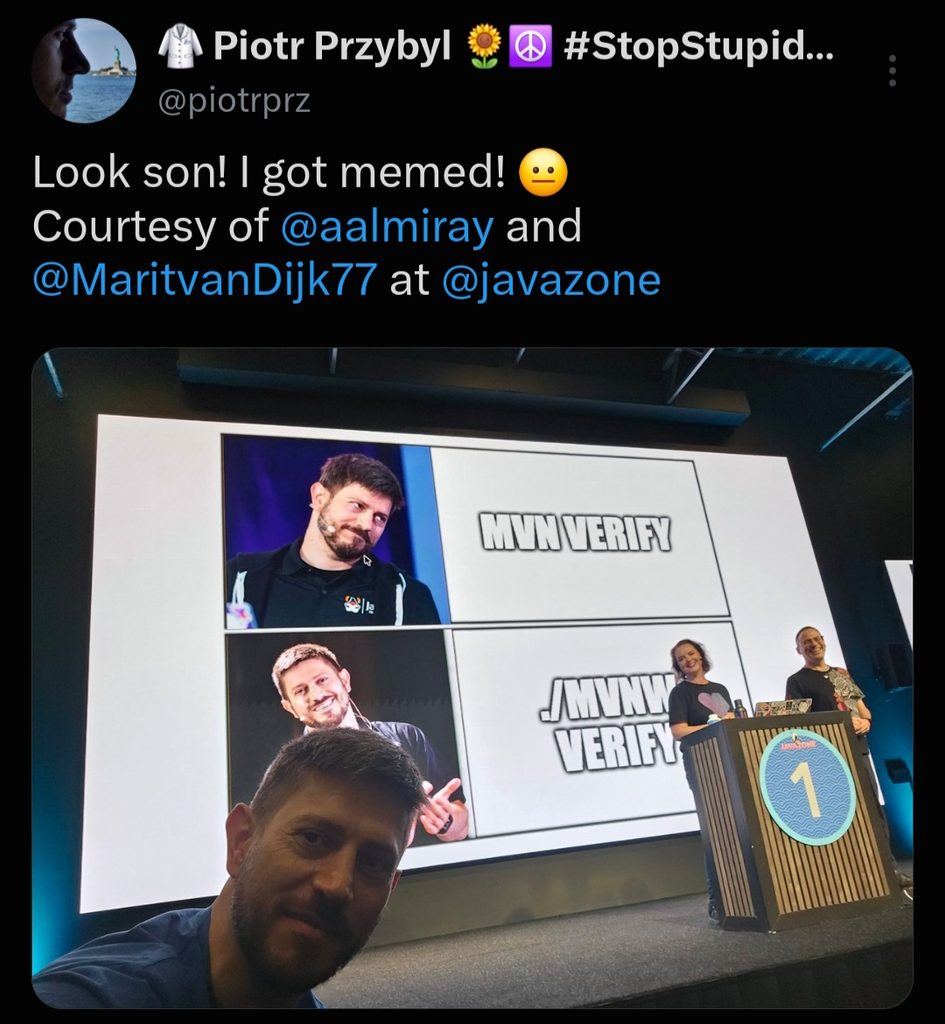
Piotr took the opportunity to take a selfie with his memes, leading to this Piotr-ception.
Later, I went to see some excellent talks by friends. First, Adele Carpenter is an amazing speaker and I love her take on Java:
Next, Iulia Feroli is a very inspiring presence in the physical AI space. If you enjoy watching her and her robots, you should go subscribe to her channel Back to Engineering.
Aside from attending some talks, I managed to catch up with lots of people in the hallway track.
Finally, it was time to say goodbye to JavaZone. Hopefully, I will be able to come back next year!

Links
You can find the JavaZone videos on vimeo.
And you can find the photos for JavaZone 2026 here.


