In the third episode of IntelliJ IDEA Tech Talks, I talk to Ronald Dehuysser – creator of JobRunr, about the ClawRunr project. Ronald shows us how to use ClawRunr as a personal AI assistant and shares stories of how he uses it himself.
Description
What if you had a personal assistant who could check your emails, schedule tasks, prepare a legal dossier, and send a thank-you note, all from your phone while you’re on a ski slope?
ClawRunr is an open-source Java-based personal assistant that combines AI with background job scheduling. You chat with it in natural language, it figures out what to do, and Spring AI and JobRunr handle the rest.
Ronald Dehuysser, the creator of JobRunr, walks us through setting up ClawRunr, from choosing your LLM provider and connecting MCP servers to scheduling recurring tasks using live demos. He also shares what he learned taking it from a vibe-coded idea to an extensible demo app: why solid architecture matters for agent-style development, and why handing off as much as possible to the AI beats coding everything yourself.
June started off with not one, but two Java conferences: jPrime in Sofia, Bulgaria, and JSpring in Utrecht, the Netherlands.
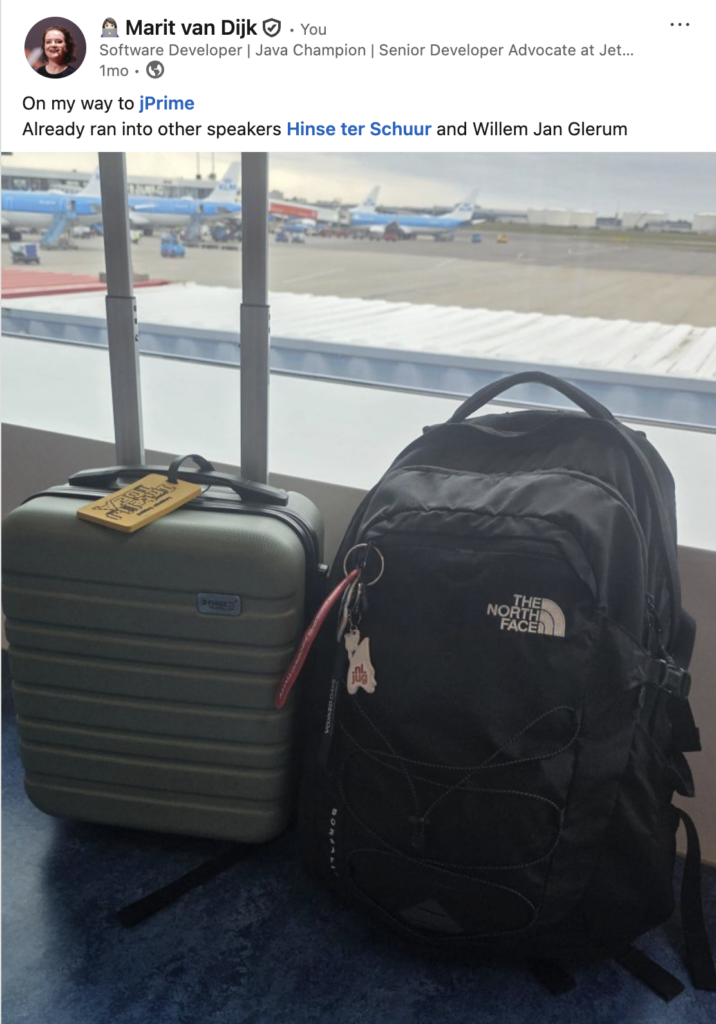
When travelling to jPrime from Amsterdam, I already ran into two fellow Dutch speakers Hinse ter Schuur and Willem Jan Glerum at Schiphol airport. We were all on the same flight.
Travelling to jPrime
Arriving in Sofia
Upon arrival in Sofia, we met up with Piotr Przybył in the arrivals hall, as he had landed just before us. We then proceeded to arrivals to meet up with Ivan St. Ivanov, one of the jPrime organisers, who drove us to our hotel.
At the hotel, Piotr and I had some lunch before preparing for our talk (as it had been a few weeks since we last presented it at GeeCON).
jPrime speaker dinner
We then walked to the speaker dinner where we met up with Mitya, other organisers and several other speakers including François Martin, Johannes Bechberger, Arnaud Jean. Also present was my colleague Andrei Kogun, who was attending the conference. It is always nice to see him in person, as we work together a lot but he is located in a different country.
Speaking at jPrime
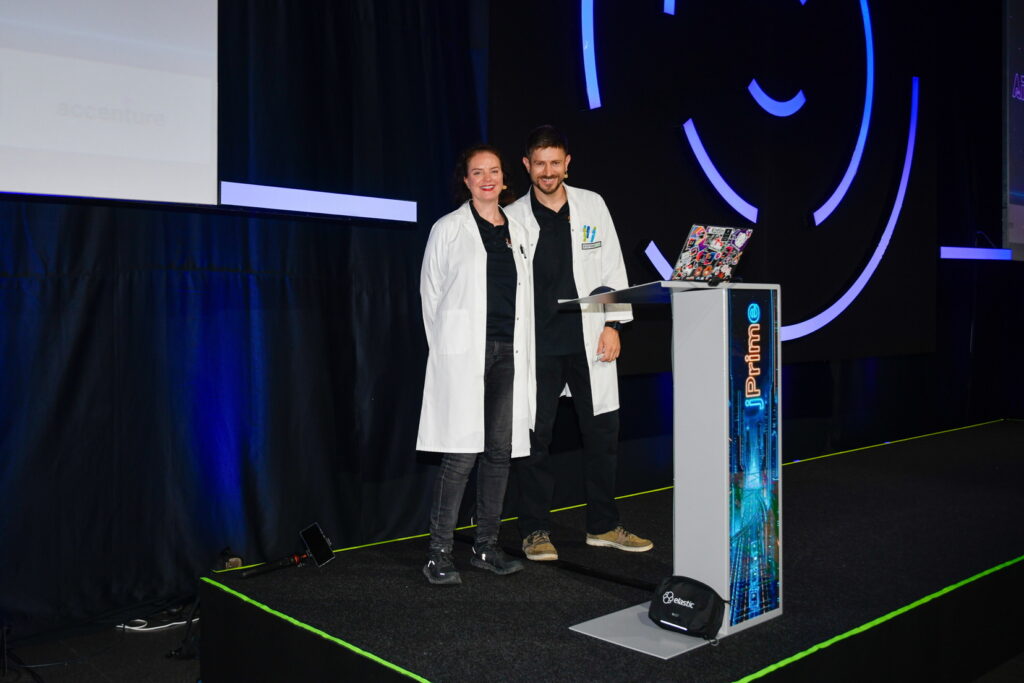
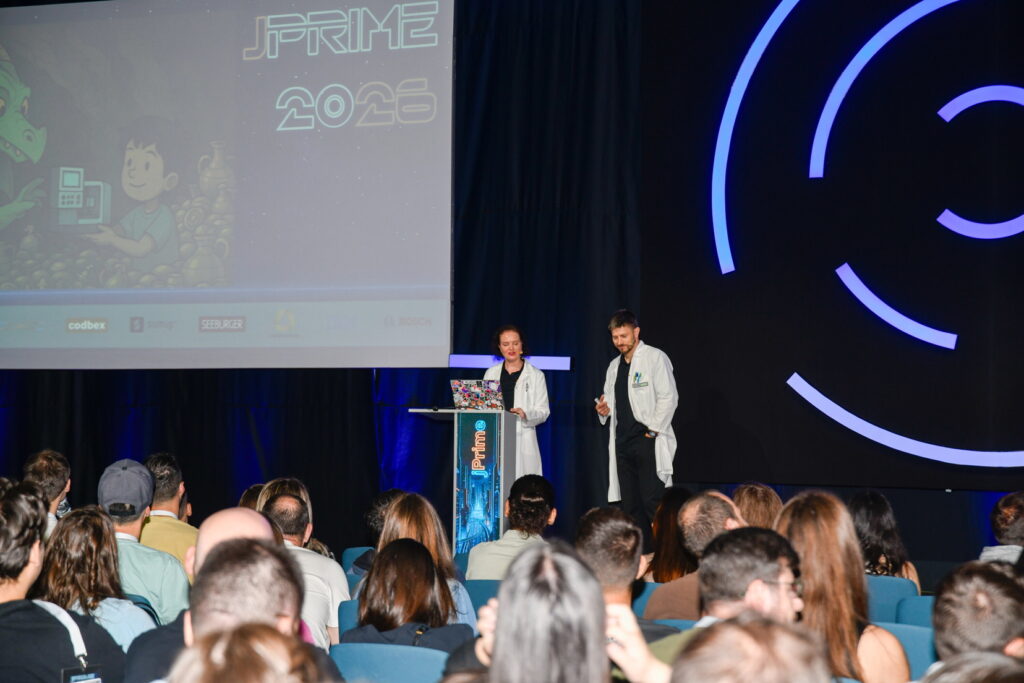
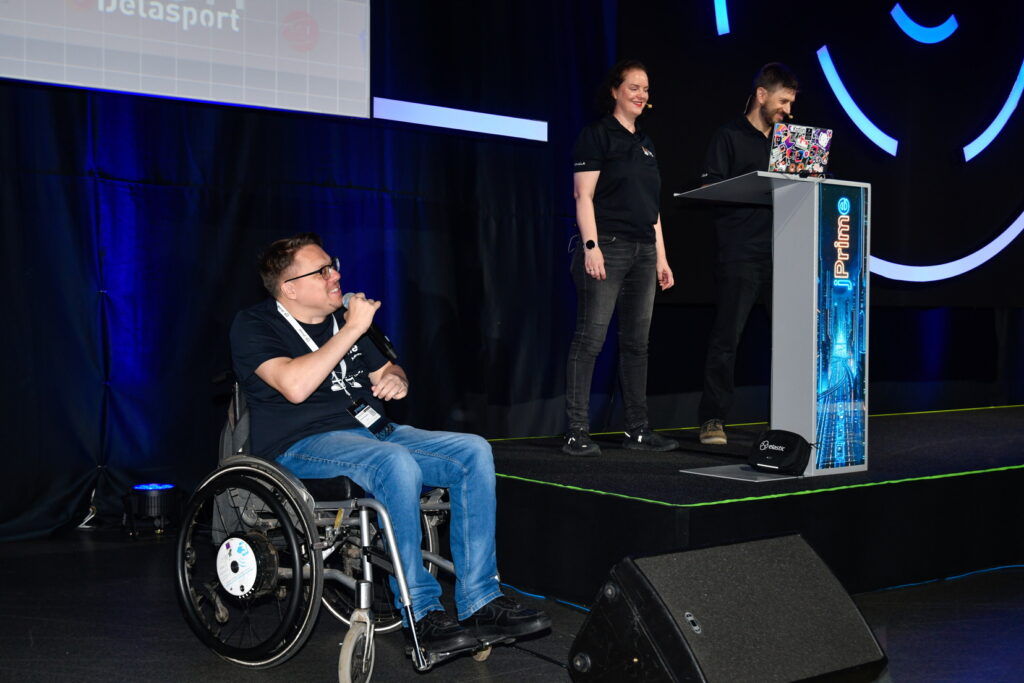
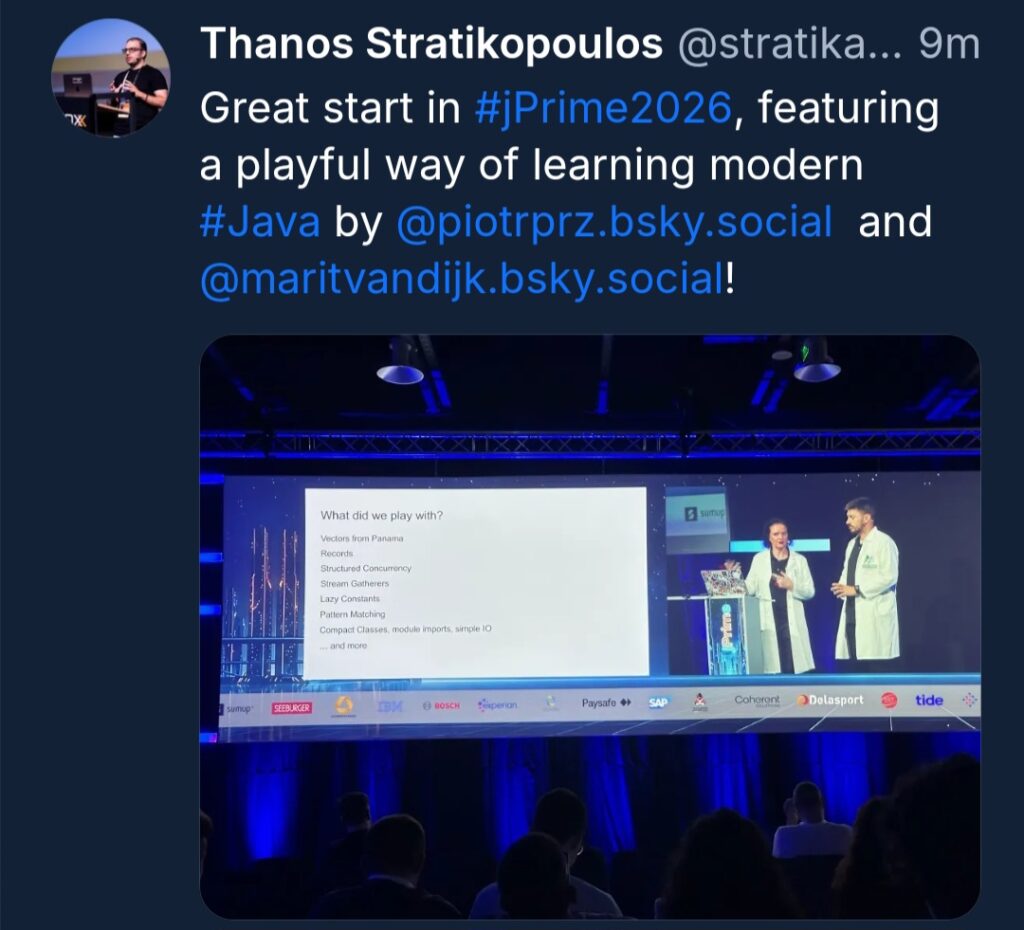
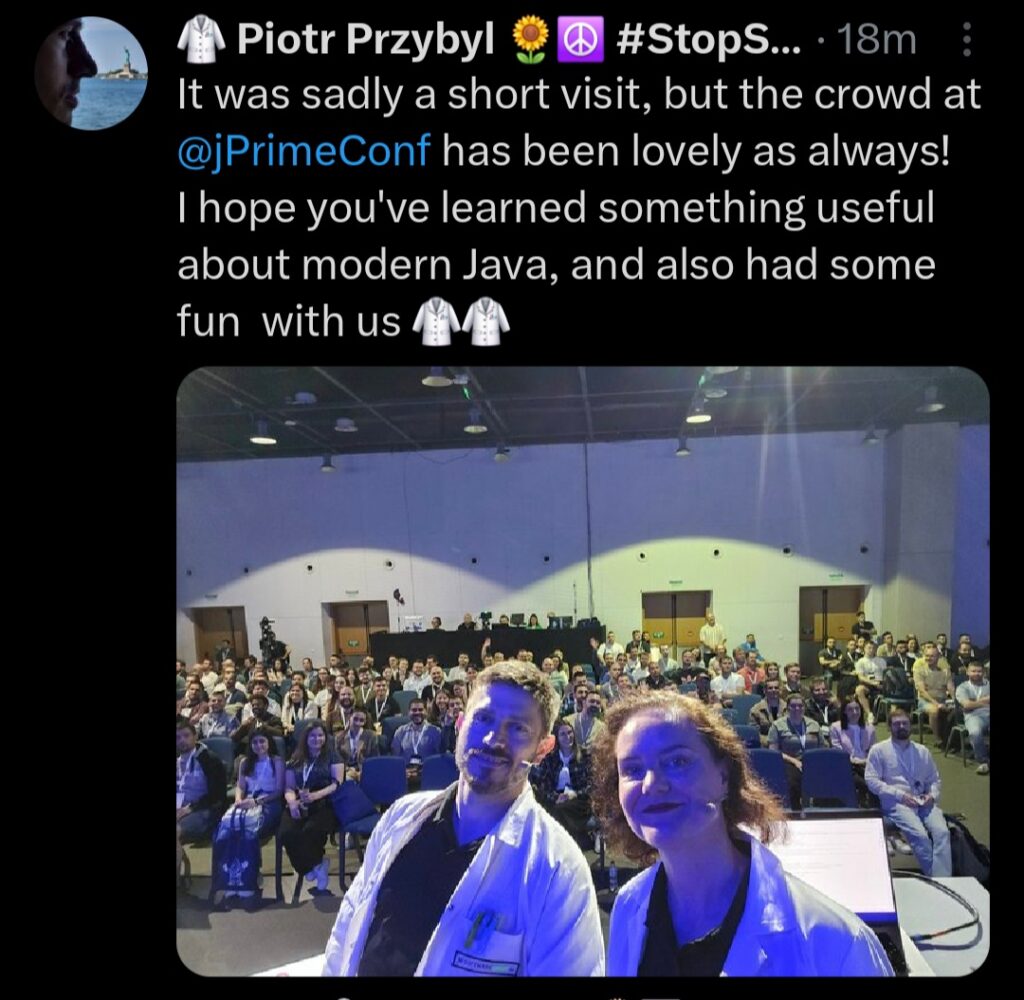
Our talk Learning modern Java the playful way was scheduled right after the opening. It was really nice to speak in the big room in front of about 800 people (probably our largest audience for this talk so far!).
Marit and Piotr at jPrimeSpeaking at jPrimeMitya announcing us at jPrime.
Our talk was well received. Thanks to everyone who came up afterwards to talk to us! Meeting people is one of my favorite parts of conferences.
Great start to jPrime
Unfortunately, we didn’t get to stay long and we had to head to the airport not long after our talk.
Thanks to the jPrime team for having us and taking such good care of speakers!
On to the next one!
From Sofia, I travelled back to the Netherlands, to speak at JSpring the next day. While I had planned to go to the speaker dinner that evening, it was too tempting to go straight home as I live close to the airport.
Speaking at JSpring
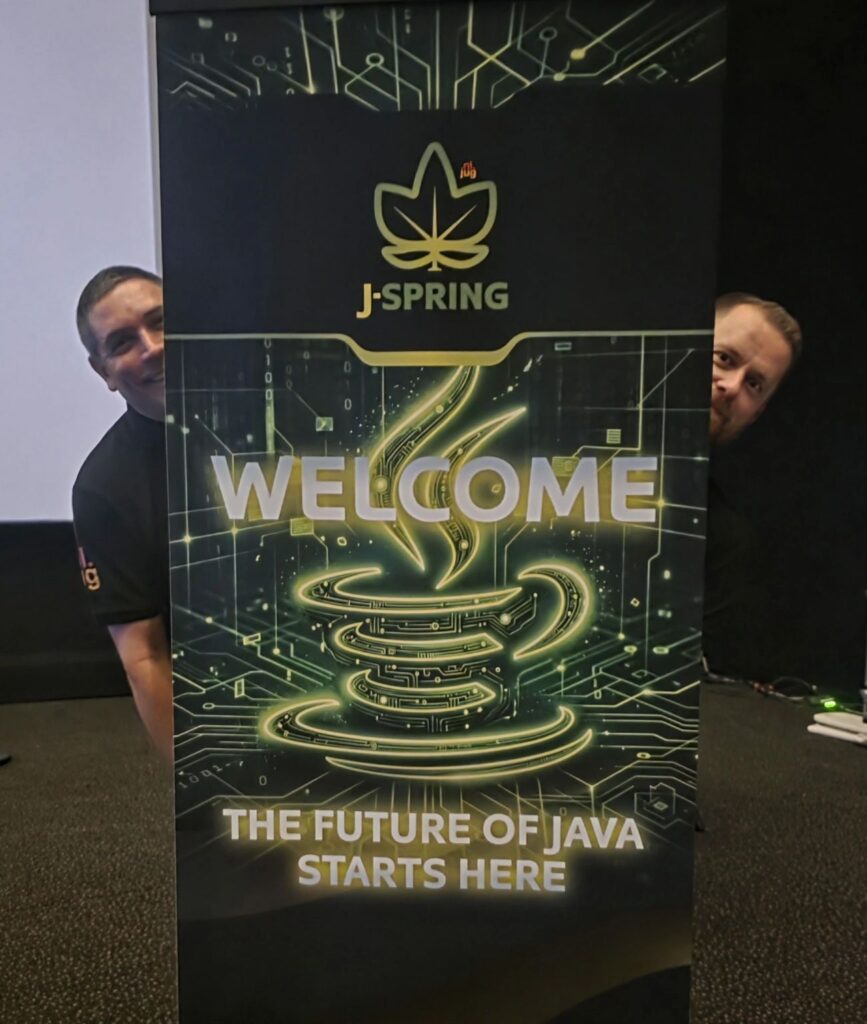
JSpring is one of my local conferences, organised by NLJUG. This was my third time speaking there, and I have attended several years prior to that. The lineup this year was stellar as always!
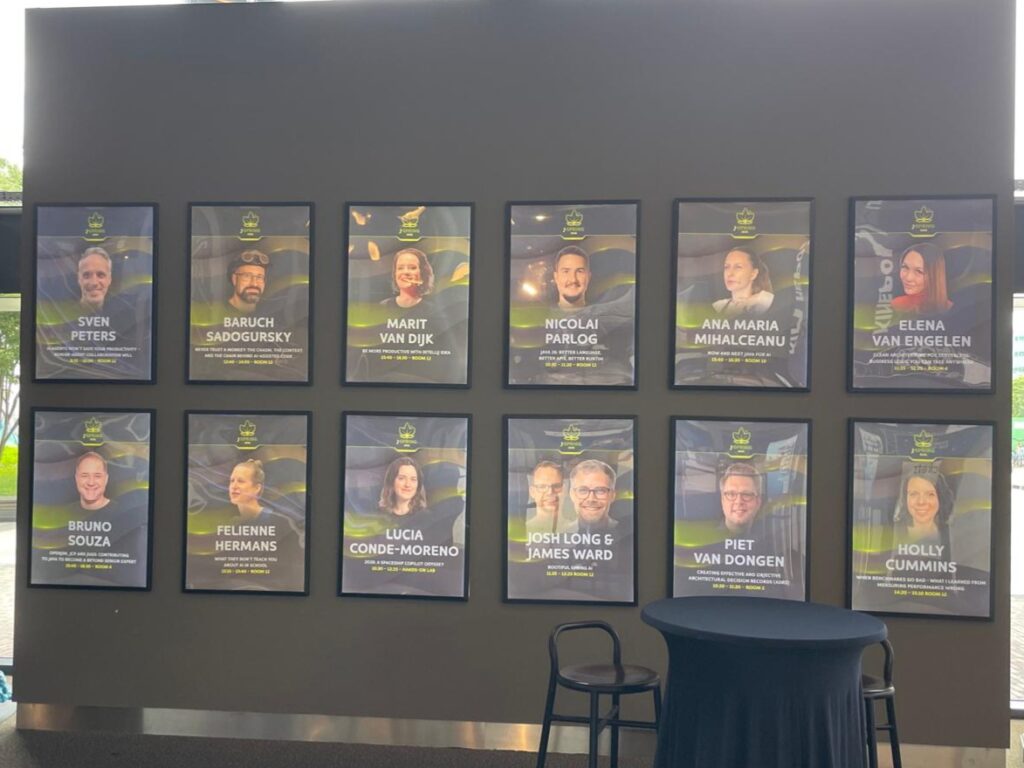
Since the conference was in a cinema, they had posters advertising the speakers. It was slightly intimidating to see my face up there, but also very nice…
My session Be more productive with IntelliJ IDEA was in the afternoon, so I had plenty of time to prepare. Even though the outline of this session is always similar, I like to include the latest features like command completion and upcoming features like logpoints (which is included in IntelliJ IDEA 2026.2).
In the second episode of IntelliJ IDEA Tech Talks, I talk to James Ward about SkillsJars, a way to manage skill files like dependencies.
James is a wonderful guest, with lots if interesting things to say about programming and AI. I hope you like this episode!
Description
Skills are a great way to bring specific knowledge into your AI, but how do you manage your skill.md files? Wouldn’t it be nice if we could manage them like dependencies, so we could version them, scan for security problems, etcetera. James Ward created SkillsJars to do just that! In this episode he walks us through skills, managing skills as dependencies with SkillsJars, how to consume skills in coding assistant and custom agents, and how to publish skills either through the skillsjars.com website or using Maven / Gradle. Watch this episode to learn how to manage your skills.
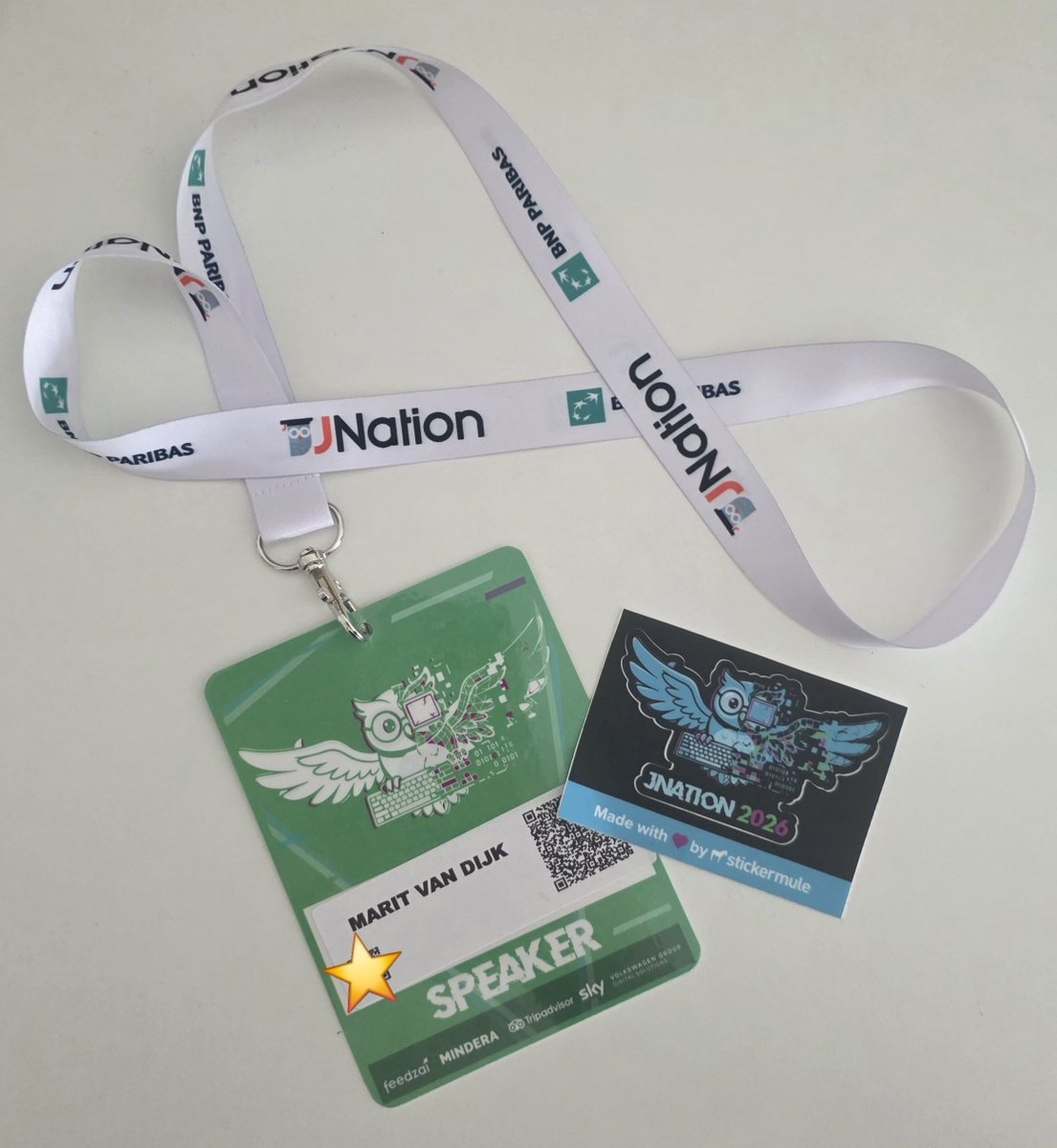
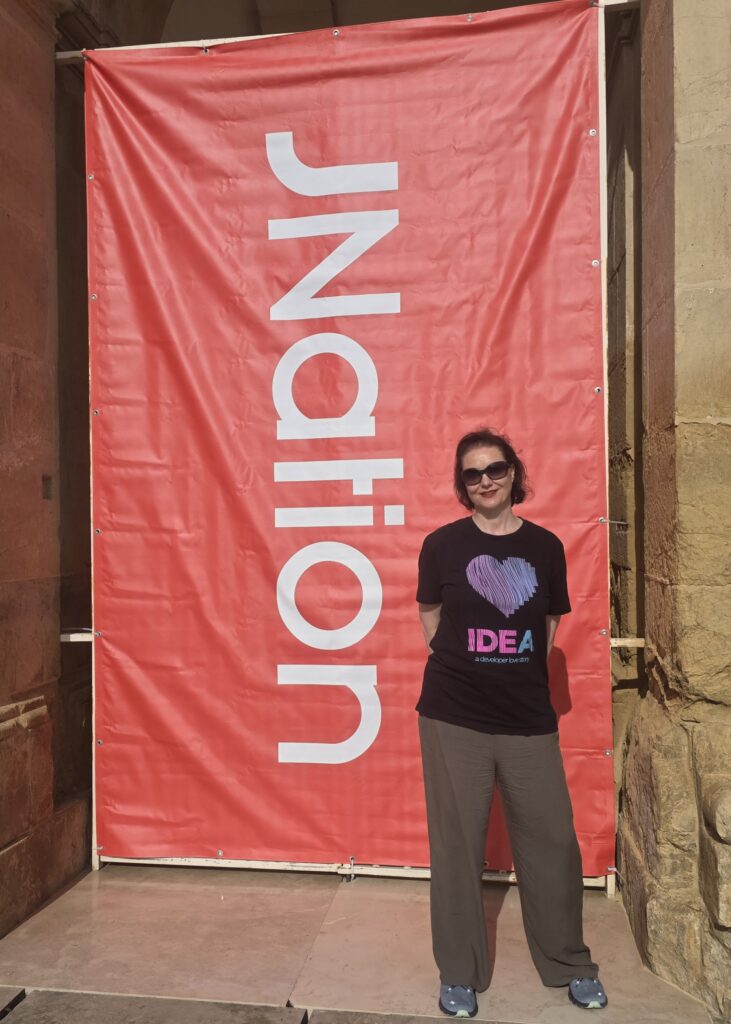
This year I had the opportunity to speak at JNation for the first time. It was a great conference; great speakers, nice people and a very responsive audience!
Getting there
JNation is held in Coimbra, Portugal. It takes some time to get there, but it is well worth it. The conference arranges for shuttles from Porto and Lisbon to Coimbra; I opted for Porto as it was a shorter flight and drive. At the Porto airport, I ran into Simon Schrottner, who I had met at Devoxx Morocco last year. It turned out we were on the same shuttle bus. We also picked up Martijn Verburg and his cousin Bella from the train station on our way to Coimbra. We had some interesting conversations on the way, which we continued over lunch once we made it to the hotel. While we were there, several other speakers also arrived.
Speaker dinner
The conference organised a speaker dinner the evening before. Andres Almiray, Patrick Baumgartner, Simon and I decided to walk there. This was a bit of an adventure, as the hotel we were staying at was next to a highway which we had to cross…
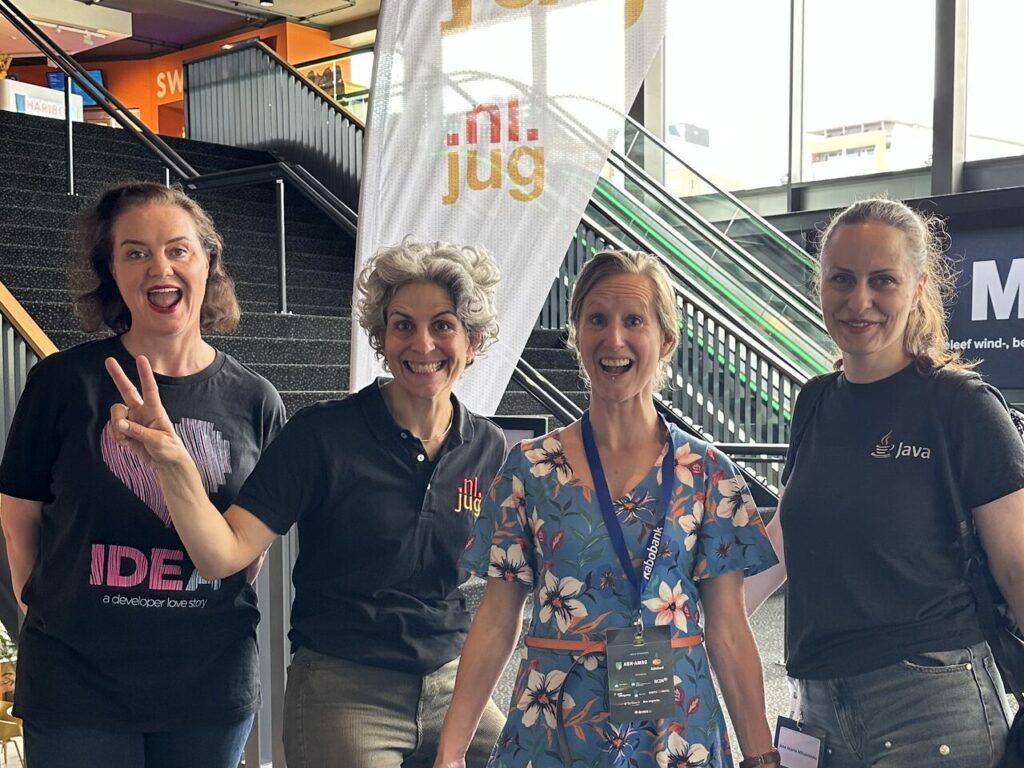
The speaker dinner is a good opportunity to see the other speakers. Fortunately, my colleague Anton Arhipov was also speaking; it is always nice to see him. And I ran into Sam Aaron, who I hadn’t seen in a while. To top it off, I had the opportunity to hang out with my friend Ewa.
Josh Long told me that he had some feedback on IntelliJ IDEA, and from my side I wanted to show him some new features we had been working on. After we got back from the dinner, we spent some time in the hotel lobby hunched over a laptop.
Conference day
The conference started with some live coded music by Sam Aaron, the creator of Sonic Pi.
The conference was officially opened by Roberto Cortez and team, followed by a keynote by Martijn. After that I had a little time to prepare for my talk, like finding the room where I would be speaking…
Speaking about IntelliJ IDEA
My talk was Be more productive with IntelliJ IDEA, where I live demo features in IntelliJ IDEA. Some features have been there for ages, but I also like to include new features that were added recently, like command completion, and even features that we are still working on for the upcoming release, like logpoints. The room was full, with some people even standing in the back, and the audience was lovely!
After my talk, I had some time to explore the venue some more and talk to people. Some of my friends were staffing a booth with their company, so I went to find them. Also, I spent some time in the speaker room, which was nice and cool. This is a good place to get some work done, or talk to other speakers. Walking around the venue is also a good way to meet people, and get feedback either on our products or my talk, or hear what people are working on.
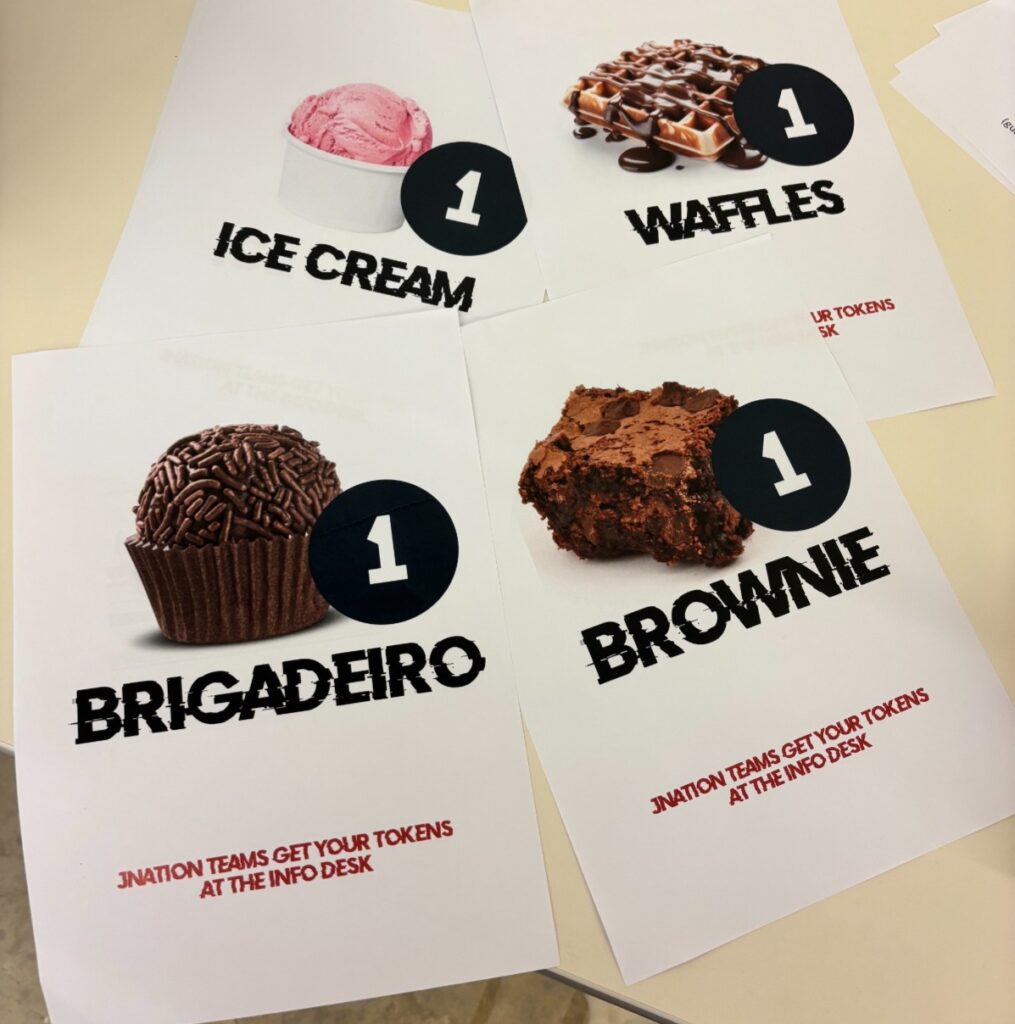
There were plenty of food and snacks, including some delicious pastéis de nata as well as ice cream, which was very welcome in the hot weather! To get some of the snacks, you needed tokens which you could get by speaking to sponsors at the booths. (Thanks Michał for some extra tokens.)
Pastéis de nata
Livestream with Josh Long
Josh had invited me to come on his podcast, Coffee + Software. We had a lovely on-air conversation, which was also joined by our friend Daniel Garnier-Moiroux in the chat.
Interview with Andres Almiray
Andres Almiray was at JNation not as a speaker, but as an interviewer. He set up interviews with the speakers in the courtyard of the venue. Among other things, we spoke about some IntelliJ IDEA features, including the upcoming logpoints feature as an entry point to the debugger. Logpoints allow you to add logging to your application running in debug more, without having to change the code and redeploy your application. This will make it easier to start your investigation when debugging issues. It is built on top of the debugger, so you can expand your investigation with additional debugger features as needed.
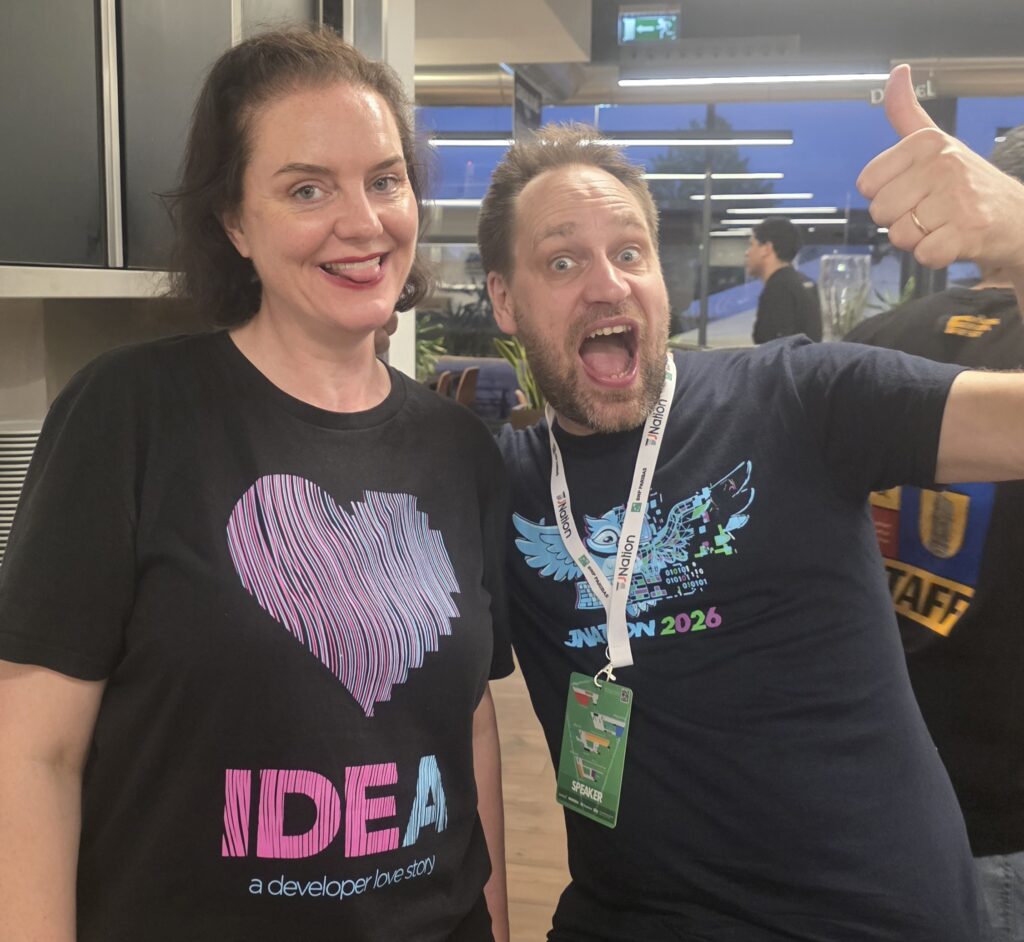
The conference ended with an after party, with more music by Sam, and drinks with friends in the sun. From the party, we walked to a restaurant for another dinner arranged by the organisers. The food here was great, as was the company. This time I managed to get some pictures with Sam.
Marit van Dijk and Sam Aaron at JNation
Conclusion
Even though it is a little hard to get to, I really enjoyed the conference. The lineup was great, the organisers take good care of the speakers, and I would highly recommend speaking at or attending this conference in the future!
Used to determine whether a user is included in an A / B or Multivariate test.
18 months
_ga
ID used to identify users
2 years
_gali
Used by Google Analytics to determine which links on a page are being clicked
30 seconds
_ga_
ID used to identify users
2 years
_gid
ID used to identify users for 24 hours after last activity
24 hours
_gat
Used to monitor number of Google Analytics server requests when using Google Tag Manager
1 minute
_gac_
Contains information related to marketing campaigns of the user. These are shared with Google AdWords / Google Ads when the Google Ads and Google Analytics accounts are linked together.
90 days
__utma
ID used to identify users and sessions
2 years after last activity
__utmt
Used to monitor number of Google Analytics server requests
10 minutes
__utmb
Used to distinguish new sessions and visits. This cookie is set when the GA.js javascript library is loaded and there is no existing __utmb cookie. The cookie is updated every time data is sent to the Google Analytics server.
30 minutes after last activity
__utmc
Used only with old Urchin versions of Google Analytics and not with GA.js. Was used to distinguish between new sessions and visits at the end of a session.
End of session (browser)
__utmz
Contains information about the traffic source or campaign that directed user to the website. The cookie is set when the GA.js javascript is loaded and updated when data is sent to the Google Anaytics server
6 months after last activity
__utmv
Contains custom information set by the web developer via the _setCustomVar method in Google Analytics. This cookie is updated every time new data is sent to the Google Analytics server.